
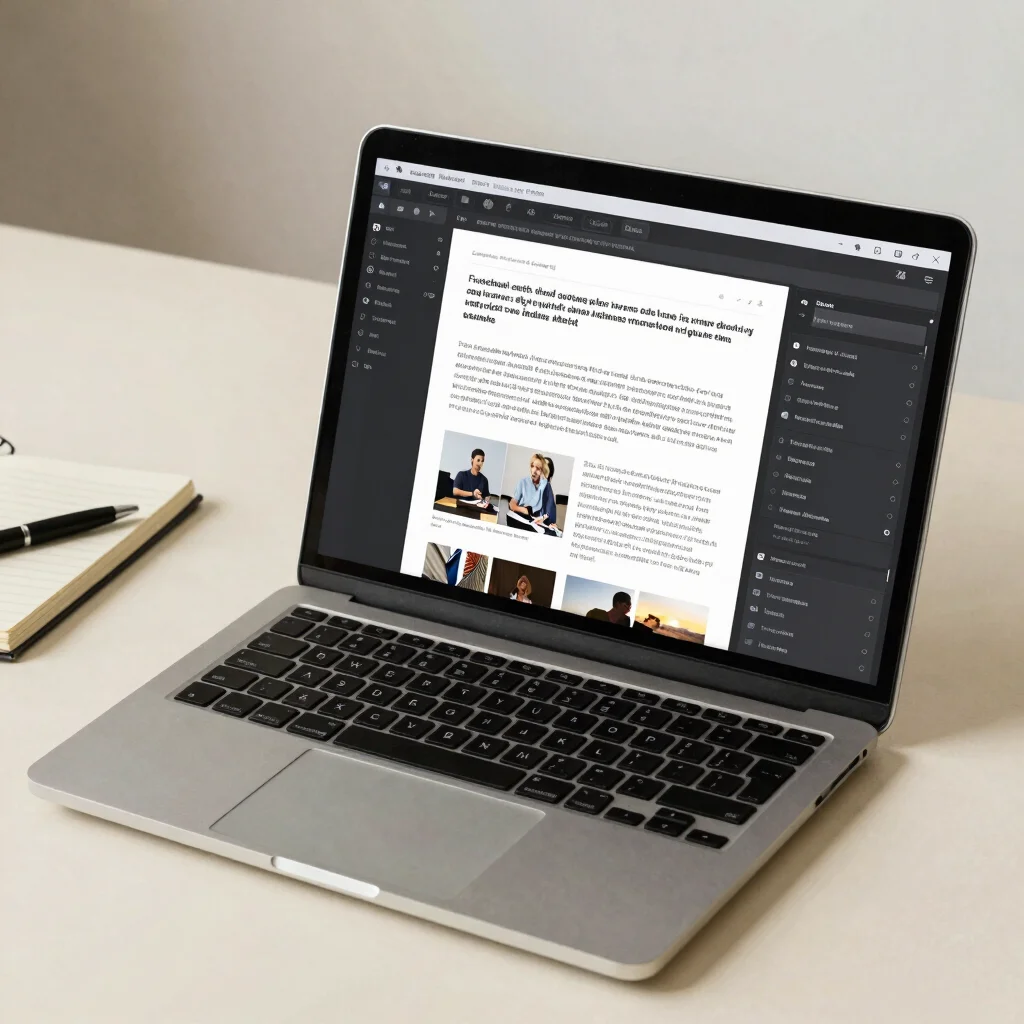

A useful WordPress setup lets an editor change an article without asking the theme to change with it. In Gutenberg, paragraphs, headings, and images are arranged as blocks in the post editor. The distinction matters: article content can live in the post, while the theme controls the site’s broader presentation.
Blocks hold the article
A headline, paragraph, image, or quote can be edited as its own block in the post editor. You can revise the text, replace an image, or move a section without rewriting a template. Categories and tags add another layer of organization, helping readers browse related posts when the site’s navigation and archive pages are set up to use them.
The theme shapes the page
The theme determines shared design decisions such as typography, spacing, and the layout around an article. With a block theme, supported templates and site-wide styles can also be managed through the Site Editor, depending on the theme and the user’s permissions. That does not mean every design detail is an article block; keeping shared layout in templates helps individual posts stay focused on their content.
Make a safe editing habit
Before publishing, preview the post at a narrow screen width as well as on desktop, and check that images have useful alternative text. Use a draft when you are still rearranging sections, and confirm the category and featured image before publishing. If a change affects every article rather than one post, look for the relevant theme or Site Editor setting instead of repeating the change by hand.

