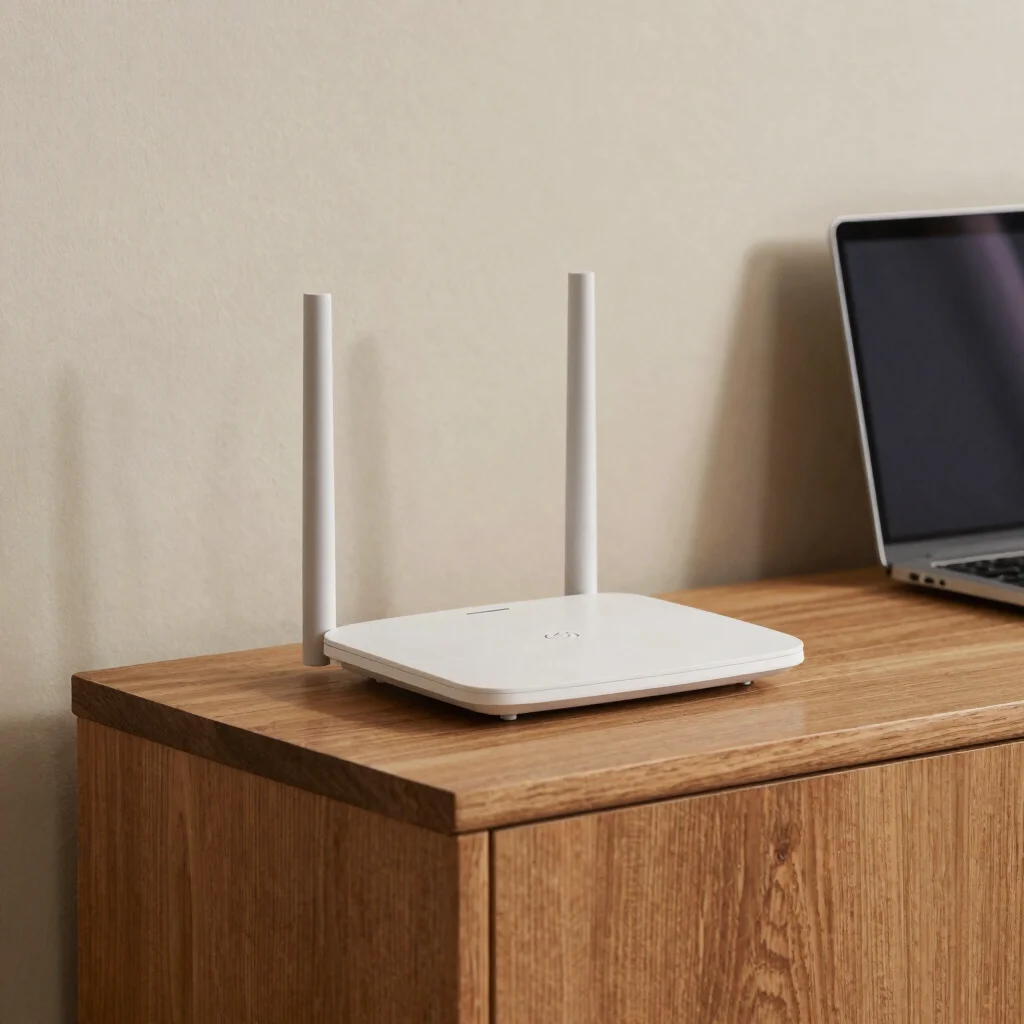

When Wi-Fi drops in one room but works well beside the router, the problem may be the route between the two—not a mysterious fault in your internet plan. Walls, floors, furniture, and distance all shape the signal your devices receive. A few placement changes are often a more sensible first experiment than buying another box.
Give the signal room
A router tucked inside a cabinet or behind a television has obstacles before the signal even reaches the room. Try placing it in an open spot, raised off the floor and nearer the areas where people actually use Wi-Fi. In a multi-story home, a central location can be a better starting point than a corner room, although the building’s layout matters.
Test the difficult rooms
Check the connection in the room where calls freeze or pages take too long, not only beside the router. Repeat the same simple task after moving the router, keeping the device and room the same so you can compare fairly. Thick walls, metal surfaces, and floors between levels can all complicate coverage, so a small improvement in one spot may not fix every dead zone.
Add equipment with a reason
If a better location does not reach a distant room, then consider whether an access point or mesh system fits the layout. A wired connection between access points can avoid relying on a weak wireless link, when running cable is practical. Choose extra hardware to solve a specific coverage problem, and check where it will sit before assuming it will help.